AI Receipt Assistant
Photo in, Excel row out. From a photo of a receipt to a row in your accounting spreadsheet, with the photo linked next to it. Read automatically, checked for duplicates, and saved only after a person confirms.
Read the offer (PDF)Request a quoteSee how it works (3 minutes)
Snap, read, check, save
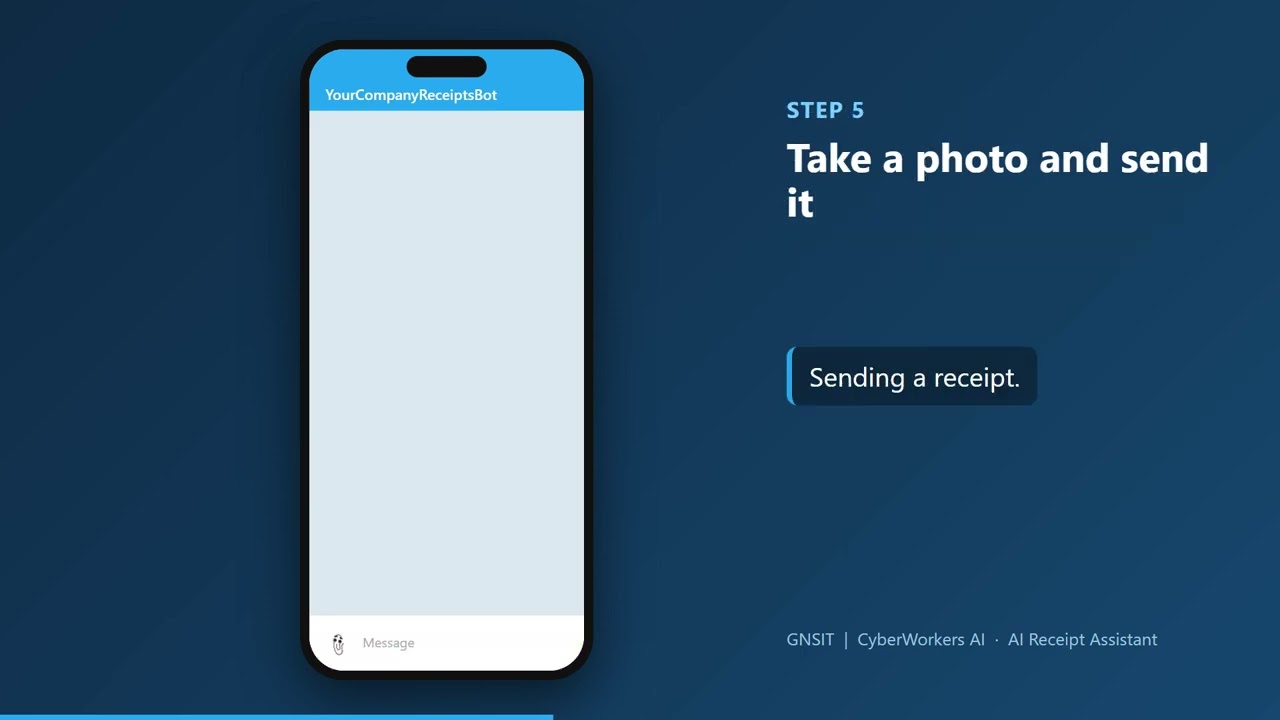
An employee sends a photo of a receipt in Telegram. The assistant reads the vendor, date, total and card, checks for duplicates, and saves the line only after the employee taps Save.
Straight into your Excel file
The moment an employee taps Save, the receipt becomes a new line in your accounting Excel file, with a link to the receipt photo. The line shows who sent it: the bot is tied to the sender, and the card on the receipt is matched to the cardholder. A copy of the photo is emailed to the address your accounting team chooses, or to a person you select.
A person stays in charge
Approved users only, nothing is saved unattended, and sensitive documents (W-9, payroll, bank, ID) are refused. Long receipts with several pictures are read together.
GNSIT / CyberWorkers AI - tel. 464 238 0000, agent@cyberworkers.ai